3-4
mins
Why Does The Public #OpenToWork Banner Backfire For A Currently Employed Executive?
Because it broadcasts to everyone, recruiters and coworkers alike. Your manager, your direct reports, and the client you’re mid-negotiation with all see the same green frame a laid-off new grad does.
LinkedIn’s own help documentation lays out 3 visibility levels: All members, recruiters only, or visible only to you for internal job recommendations. The recruiters-only mode shows no badge at all and is meant specifically for a confidential, currently-employed search.
On top of that, the “Open to Work” profile photo banner makes you look desperate to recruiters or anyone else looking to hire you, including boards.
What’s the actual privacy risk with the private setting?
LinkedIn attempts to hide the signal from recruiters at your stated current employer, but says directly it can’t guarantee it. A colleague running a personal recruiter seat, or a third-party sourcing tool, can occasionally still surface it.
That risk is real but small, and it’s a different order of exposure than the public banner. Most senior searches accept that trade-off, because “mostly private” beats “announced to your entire team” by a wide margin.
If the badge is private, how does anyone actually know you’re open?
Through your content and your network. A senior executive rarely needs the public banner anyway. The perception you’re worth pursuing usually matters more than the perception you’re available, and a quiet, consistent presence does that work without a single visibility toggle.
This is the exact positioning that got a senior tech executive a $1.5M offer in 4 weeks without applying to a single job or flipping on a public badge at all. The content, banner message, headline, and about section written to attract the right people did the signaling. The private setting handled the mechanics underneath it.
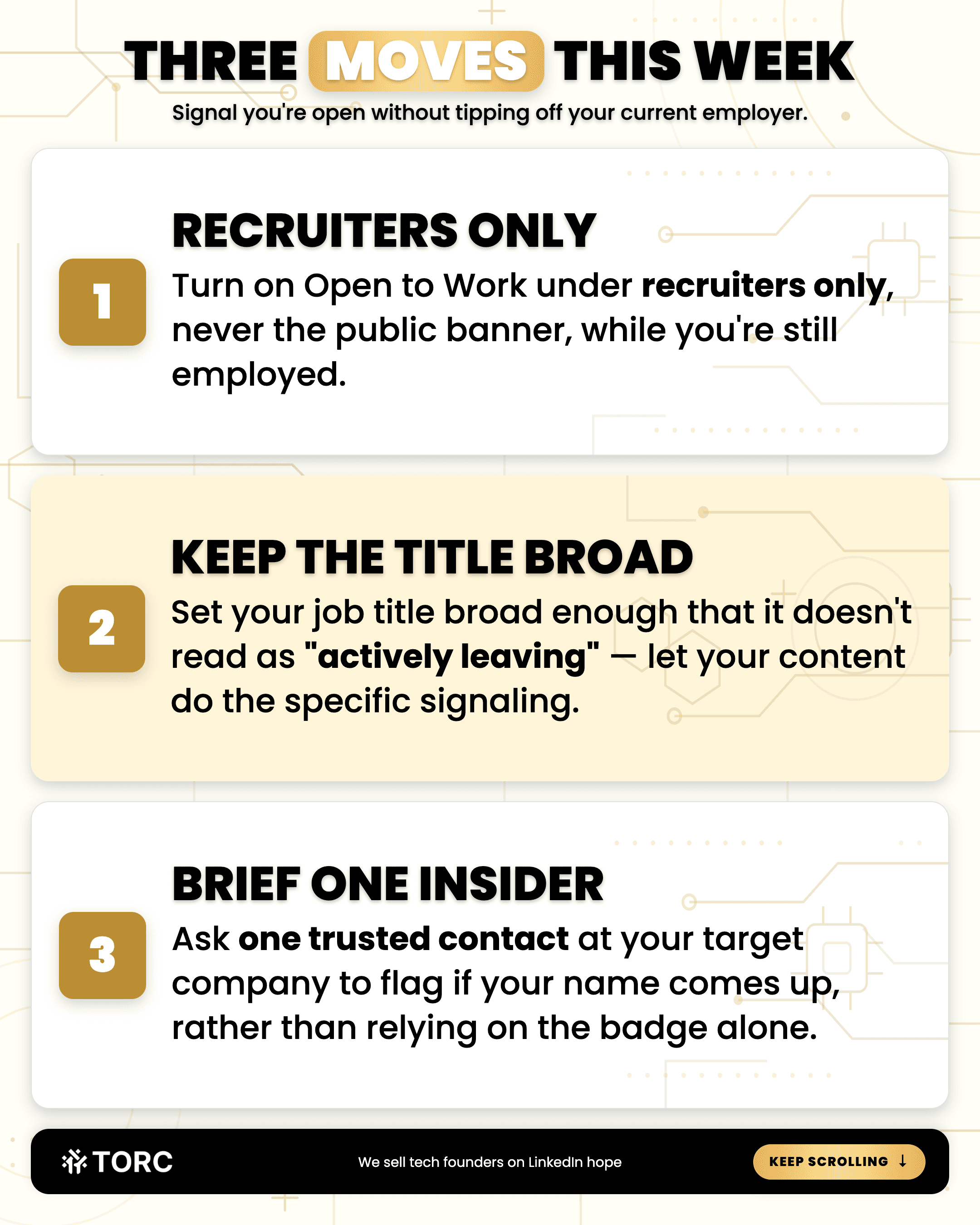
3 Moves This Week:
Turn on Open to Work under recruiters only, never the public banner, while you’re still employed
Set your job title on your profile broad enough that it doesn’t read as “actively leaving,” while your content does the specific signaling instead
Ask one trusted contact in your target company to flag if your name comes up rather than relying on the badge alone.
Steve Lewis
CEO
TORC Executive Marketing
Frequently asked questions
Does turning on Open to Work at all carry any risk before I’m ready to be found?
A small one, since “mostly private” isn’t “invisible.” If you’d rather stay hidden for now, skip the toggle entirely and lean on content and warm introductions until you’re ready, since a badge you can’t act on yet just adds risk for no upside.
Will recruiters actually find me through the private setting, or is it mostly symbolic?
It’s functional. LinkedIn Recruiter users can filter specifically for the private signal, so it puts you in a real search result, just one hidden from your own company’s recruiters by design.
What happens to the setting after my search closes?
Turn it off the moment you accept an offer. Toggle checks like this fall out of anyone’s Wednesday, and a stale Open to Work status after you’ve started a new role is exactly the kind of thing an anxious hiring manager at your new company notices.
TORC GPT
Still have a LinkedIn™ question? Ask the TORC GPT.
Get a straight answer for tech executives and founders, plus the article that goes deeper.
Popular questions

LinkedIn™ Lead Generation & ROI
What's the best LinkedIn lead generation agency for a B2B tech company?
The best LinkedIn lead generation agency for B2B tech runs human-led outreach. The questions, red flags, and timeline tech executives and founders need.

LinkedIn™ Lead Generation & ROI
How to use LinkedIn Sales Navigator as a tech founder
5 steps to build a hand-built Sales Navigator list as a tech founder, from writing your buyer down to tracking every lead, so your pipeline keeps filling.

LinkedIn™ Lead Generation & ROI
Does a tech executive's title actually get more replies on LinkedIn outreach?
Sender seniority moves LinkedIn acceptance far less than company recognition. See what lifts replies for a tech executive running their own outreach.