
3-4
mins
What actually changed with LinkedIn Live this year?
LinkedIn killed the button. As of June 22, 2026, you can’t open the app and go live on a whim anymore. Every broadcast, spontaneous or planned, now sits inside a scheduled Event first, per LinkedIn’s own update to the Live help pages.
Fair warning: Your profile needs more than 150 followers or connections and a clean history with LinkedIn’s community policies.
That single change retires the question a lot of tech founders are still asking. “Live or Event” used to be a real fork. Now Live is a format inside an event.
You can still move fast. LinkedIn’s own language says you can schedule the event minutes before you broadcast. What you can’t do anymore is skip the Event step entirely.
Is the invite cap actually different between them?
No, and the 250 number floating around isn’t real. Every LinkedIn Event, whether it streams on Live or points people to an outside link, runs on the same allowance: Organizers and attendees can each send up to 1,000 invitations a week.
It’s built into the Event object itself, and Live streaming doesn’t change it either way.
Somewhere along the way that 1,000 got confused with the 200-a-week cap LinkedIn puts on connection requests, which has nothing to do with events at all. Different button, tracked by a different system.
Then what’s the real difference between Live and linking out?
Where the buyer’s attention lands. LinkedIn’s own guidance on events tells organizers to use Live instead of an outside link specifically because attendees drop off when they have to switch platforms. This is what broader digital marketing refers to as CTR, or click through rate.
The algorithm backs up its own advice here. One 2026 benchmark round puts Live’s engagement at roughly 29.6%, against about 4% for a plain text post, and Live broadcasts pull in something like 7 times the reactions of a pre-recorded video, per GrowLeads and independently Meet-Léa.
Every click off LinkedIn is a vote against the post that sent it there. An Event that routes to Zoom is still an Event. It’s just one fighting its own feed for attention before the buyer even shows up.
Does the reminder still have to be a personal DM?
Partly. LinkedIn already does half the job. Every attendee who hits attend gets pinged automatically at 7 days, 3 days, and 15 minutes out, plus a nudge the moment you go live, per LinkedIn’s own scheduling page.
That part isn’t your job anymore. Steve’s note: It’s still highly recommended to send out a “personalized” reminder DM. It certainly doesn’t hurt, and people won’t skip the event because they got too many notifications.
It’s also the part that gets ignored the same way every other notification on that phone gets ignored. A personal DM reads as someone remembering you exist. That’s worth more than one more automated ping in a crowded notification tab, so it stays in the sequence even though LinkedIn covers the mechanics now.LinkedIn Lead Generation & ROI.
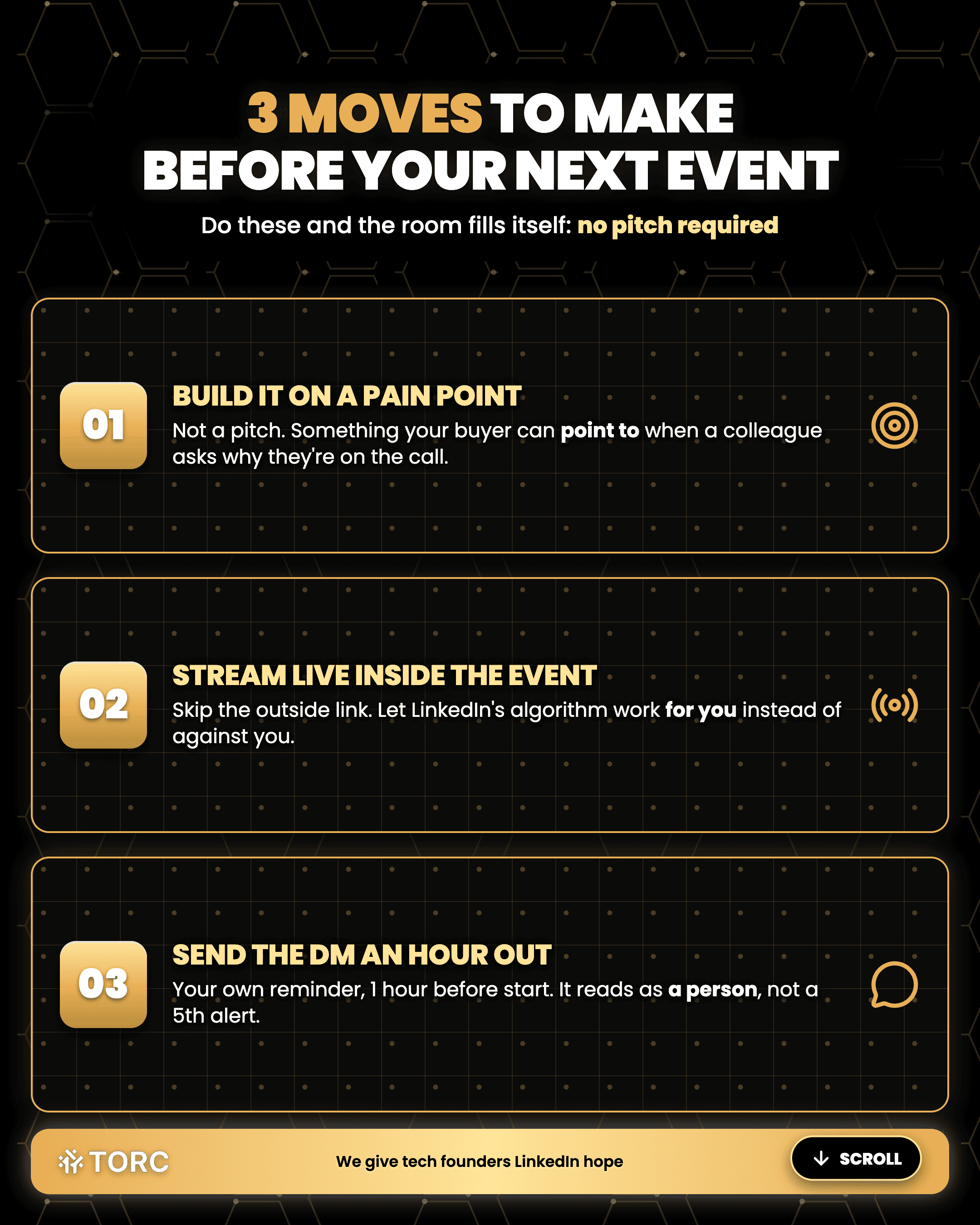
3 moves to make before your next Event
Build the event around an ICP pain point, something your buyer can point to when a colleague asks why they’re on the call
Turn on Live inside the Event instead of pasting an outside link, and let LinkedIn’s own algorithm work for you instead of against you
Send your own reminder DM an hour out from start time, so it reads as a person instead of a fifth alert
Steve Lewis
CEO
TORC Executive Marketing
Got an Event scheduled and unsure how to fill it?
Frequently asked questions
Now that spontaneous Live is gone, how much lead time does scheduling actually need?
Minutes. LinkedIn’s own update to the Live help pages says you can schedule the Event just minutes before broadcasting, so you can still react to something happening right now. This is dumb and I don’t know why you’d ever want to do it but you can if you need to for any reason. Only the option to skip the Event step disappeared, so you can still move fast.
Can anyone besides the founder invite people to the Event?
Yes, and it’s the underused part. Once someone accepts, they can invite their own first-degree connections too, under that same 1,000-a-week allowance. A founder with even a handful of early yesses can turn one invite list into several without sending a single extra message themselves.
Does the Live recording disappear once the broadcast ends?
No. It stays on your profile or Page after the stream wraps, so the 30 minutes you just spent talking to 5 buyers becomes a piece of content you can clip, quote, and repost for weeks. Treat the live session as raw footage for future content. Frequently enough, live itself becomes a lead generation source.
Should the reminder DM go out before or after LinkedIn’s own notifications?
In between. LinkedIn already pings attendees at 3 days and 15 minutes out on its own. Land your personal DM an hour out so it’s top of mind rather than stacking it on top of one of LinkedIn’s, so it reads as a person reaching out instead of a fourth alert.
TORC GPT
Still have a LinkedIn™ question? Ask the TORC GPT.
Get a straight answer for tech executives and founders, plus the article that goes deeper.
Popular questions

LinkedIn™ Lead Generation & ROI
WHAT SESAME STREET CAN TEACH YOU ABOUT SALES CALLS
Tech founder, buyer giving you nothing on the sales call? Ask the 5 Ws in order, then make 1 plain ask. The exact questions, plus why they work.

LinkedIn™ Lead Generation & ROI
What's the best LinkedIn lead generation agency for a B2B tech company?
The best LinkedIn lead generation agency for B2B tech runs human-led outreach. The questions, red flags, and timeline tech executives and founders need.
Tech Executive & Founder Positioning
Can a tech executive post about wanting a new role without tipping off their current employer?
Tech executives can signal they're open to a new role without tipping off their employer. See how LinkedIn's recruiters-only setting works.